Problem
How do I install Camtasia Audiate on macOS?
Solution
- Download audiate.dmg after purchasing or from the link below:
Camtasia Audiate Mac Download - Locate audiate.dmg.
In most cases, the DMG file is located in the Downloads folder. Open Finder and select Go > Downloads.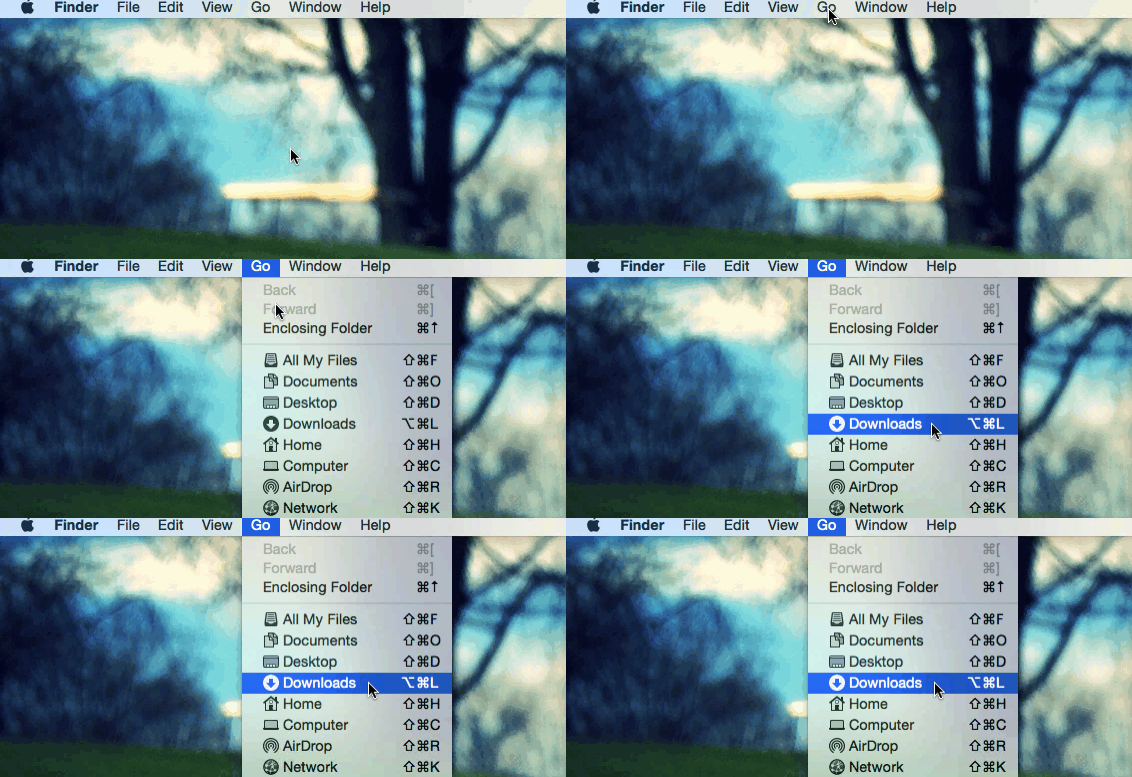
- Double-click the audiate.dmg file to open the installer.
- The installer window appears. Drag the Audiate icon into the Applications folder.
- In Finder, click the Eject icon to dismount the Audiate installer.
- To open Audiate, double-click Audiate in the Applications folder.