Problem
The following error appears: "We're sorry, but we are unable to connect to this content. Please try refreshing the page or click here for more help."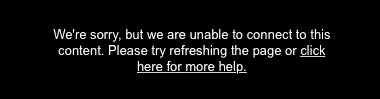
Solution
This occurs when a video fails to load within Smart Player, TechSmith's video player. This error may occur when:
- Sometimes firewall or network restrictions block Screencast URLs. These addresses need to be allowed in order to restore functionality.
- The upload did not finish or files are missing. This error may occur if all of the files have not finished uploading. Make sure to upload all of the files in the Camtasia production.
- Insufficient file permissions - For content hosted on OneDrive or other web hosting services, such as Google Drive, this error may occur if you do not have permission to access all of the content files.
- Incorrect server configuration - This error may occur if the mime type for MP4 files has not been configured on the hosting web server. Read more about how to configure this.
- In very rare circumstances, some browsers may experience trouble playing videos after a laptop has switched video card sources. We have seen this occur when transitioning to and from docking stations and power sources. If this occurs, please close and re-open your browser to fix the problem.
-
Playing a Camtasia production from your local PC where the option for "produce multiple files for markers" was checked.