Problem
Camtasia Editor is providing an error message when attempting to start the program. Please see the list of possible errors below and how to troubleshoot them.
Solution
Sign-in Issue:
An error occurred during sign-in...
Please see this article for the steps to follow for the error above.
There are times when this issue we would see an error thrown at times:
A Task was Cancelled or One or more errors occurred:
Please follow the steps in this article to send us the Support tool to investigate this matter further. Please also send in a screen capture of the error message as well if possible.
The remote server returned an error: (407) Proxy Authentication Required:
This error indicates that there is a firewall or proxy that is stopping Camtasia Editor from signing in. Please make sure that you have the following addresses/port for Login set to be whitelisted:
https://login.techsmith.com
Port 443
You must Sign-in ....
Please follow the steps in this article.
Licensing Issue:
Unable to start Camtasia Error: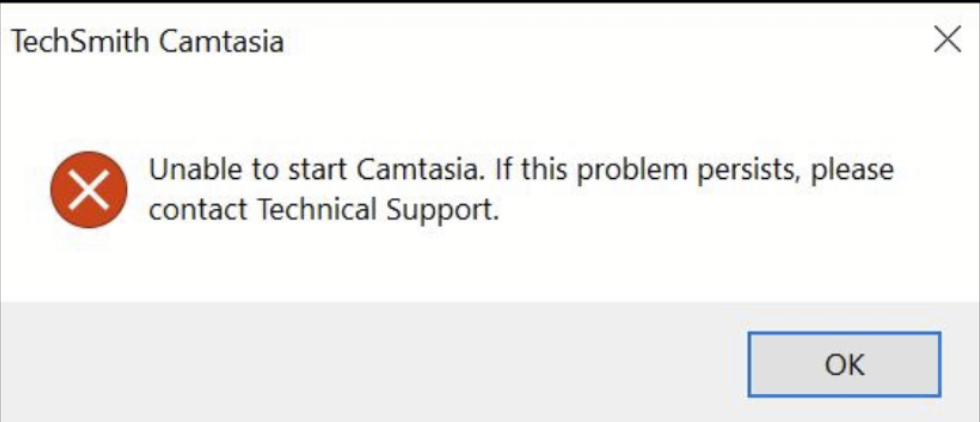
This is most likely a licensing issue. Please follow the steps in this article.
Unable to reach the activation server:
This issue typically means that there is a block on the individual customer computer side. Typically this occurs on a work provided computer. If on a work computer you will need to have all addresses in this article whitelisted for the program to reach the server. If the machine that is being used is a personal machine please send us support files (steps to collect them can be found here) in your initial ticket response. (Use this link to create a support ticket)